How TradeGATEHub’s Social Trading Platform Helps You Trade Smarter
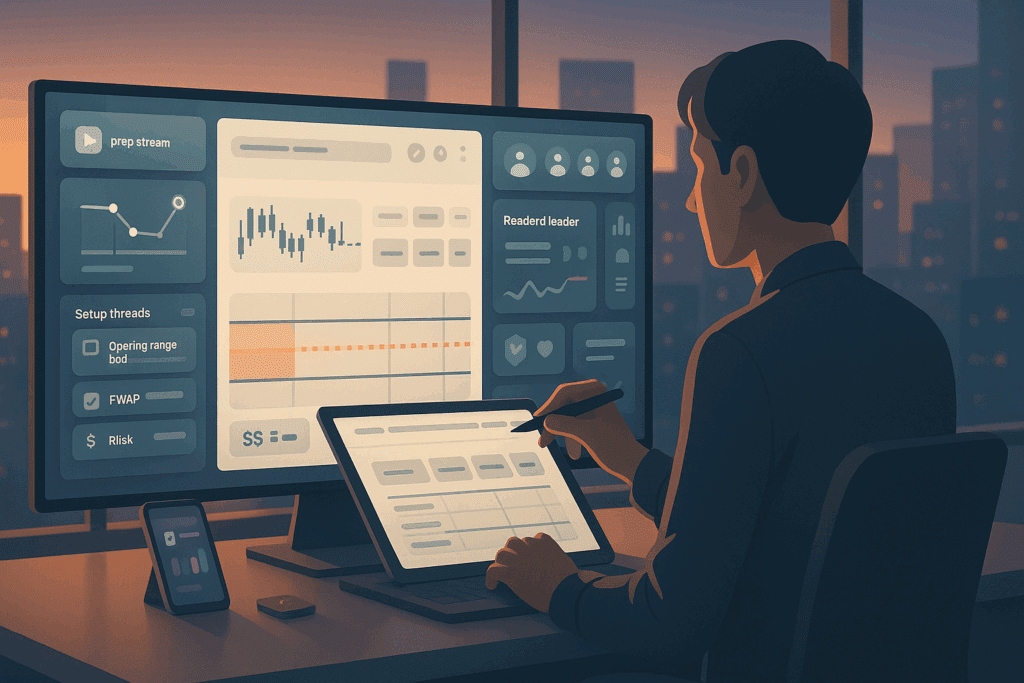
You want a place where learning, execution, and review live in one flow. The TradeGATEHub social trading platform aims to be that place by pairing a focused social trading community with interactive trading charts sharing that keeps conversations practical.
Below is a clear, user-first tour of how it works, why it helps, and how to get value from day one.
The Essential Idea
- One hub for live prep, chat, and chart sharing
- Posts that show levels, risk in cash, and reasoning in short lines
- Built-in guardrails and templates that make good habits easier
- End-of-day recaps so you can audit what happened and why
“Consistency beats intensity.”
What makes a social trading platform actually useful
| Pillar | What you should see | Why it matters |
| Real-time prep | A 10 to 15 minute daily map with key levels and catalysts | You enter the session with a plan, not a guess |
| Professional chat threads | Streams grouped by setup or symbol | Keeps the feed readable during fast moves |
| Interactive trading charts sharing | Annotated charts you can open, edit, and repost | Turns lessons into muscle memory |
| Risk-first posts | Cash risk, stop distance, and bracket notes | Prevents accidental oversizing |
| Clean exports | Recap files and CSV that mirror the day | You can review and improve without detective work |
When platform and paper tell the same story, trust grows.
Inside the TradeGATEHub social trading platform
Rooms with a purpose
Rooms are organized by setups like opening range retest or pullback into value, plus symbol lanes for majors, indices, and metals. That structure reduces chatter and helps you find relevant context in seconds.
Post formats that teach while you watch
Each shared idea follows a simple template: instrument, setup, cash risk, stop distance, entry trigger, and one sentence for why now. The goal is not hype. It is reproducible behavior.
Interactive trading charts sharing
Charts arrive pre-marked with levels, entry zones, stops, and targets. You can duplicate a chart, tweak the zones to your plan, and repost with your notes. This is how a social trading community shifts from passive scrolling to active learning.
“Show the plan, not just the arrow.”
How the platform helps different trader types
| Profile | What they use most | Why it works |
| New traders | Setup cards, one-click chart copies, beginner threads | Faster onboarding to one or two clean plays |
| Busy pros | Morning prep stream, quick alerts, recap exports | Less time wasted, more time focused |
| Strategy sharers | Chart sharing, room leadership tools, metrics | Clear way to teach without writing long manuals |
| Review-first learners | End-of-day CSV, image archives, weekly recaps | Honest self-assessment that compounds over time |
A simple day on the platform
- Prep in 10 minutes
Open the morning map. Mark two levels on your copy of the chart and write your cash risk number on a sticky note. - Post your plan
In the relevant thread, share instrument, setup tag, risk in dollars, and your bracket template. Sharing before clicking reduces impulse trades. - Take one A grade entry
Favor retests over first bursts. Place the bracketed order so exits are honest. - Journal two lines
Reason in, reason out. Add a screenshot of your chart with final marks. - Download the recap
Compare your fills and notes with the room’s stream. Decide one tweak for tomorrow.
“Progress is a series of small, boring upgrades.”
Features that turn participation into performance
Leader views without glamorizing luck
Room leaderboards highlight 60 day return alongside max drawdown and recovery time, plus posting cadence. That balance rewards discipline instead of lucky spikes.
Guardrails you can understand
Set a per day loss cap, max open trades, and symbol filters. If a rule fires, you get a short message in plain language.
Searchable archives
Find every post by setup tag or symbol. Rewatch the best sequences and copy their charts to practice during your session.
Why interactive charts change the game
| Action | Old way | TradeGATEHub way | Result |
| Learn a setup | Read long text with static images | Open a live chart, edit levels, save | Faster learning through doing |
| Compare entries | Scroll threads and guess | Overlay community entries on your copy | Clear view of timing and risk |
| Review mistakes | Vague memory, few receipts | Before and after screenshots plus CSV | Honest, repeatable improvement |
“If you can edit the lesson, you can apply it.”
Two go-to setups you will see shared
Opening range break and retest
Box the first minutes after the bell. Wait for a clean break, then the first patient retest to the box edge. Enter with your bracket attached. Charts show the box, the retest zone, and stop placement in cash terms.
Pullback into value
Confirm direction on a higher timeframe. Mark a value band such as VWAP or a fair mean zone. Take the first measured pullback that pauses. Shared charts highlight the band, entry slice, and target logic.
Short definitions hold when price speeds up.
Starter checklist for your first week
- Join two threads that match your window and instrument
- Copy three community charts and re-mark them as your own plan
- Post one plan per session before clicking
- Use a fixed cash risk per trade for the whole week
- Save before and after images for every entry
- Pull the end-of-week recap and write three lines: one win, one mistake, one change
Keep it simple. Boring is good.
Costs and expectations, stated clearly
Trading involves risk and cost. The community makes them visible.
| Line to track | Where to see it | Why it matters |
| Spread and commission | Ticket preview or broker statement | Helps you choose liquid minutes |
| Slippage | Post-trade measurement in recaps | Encourages retests over chases |
| Funding or swaps | Broker disclosures | Guides whether you hold overnight |
| Time on task | Session timer inside the room | Protects energy and focus |
Clarity beats surprises.
What a healthy social trading community looks like
- Posts use a shared vocabulary for setups and risk
- Moderators trim off-session noise and keep archives useful
- Leaders explain ideas in cash terms with clear stop logic
- Members help each other improve by marking charts, not flexing results
- Exports and recaps match what you saw live
If a space feels calm during fast markets, you found the right crowd.
FAQ
Is TradeGATEHub a signal service
No. It is a social trading community where process comes first. You will see ideas in real time, but the point is to learn the logic and apply it at your own risk level.
Do I need advanced tools to benefit from interactive trading charts sharing
No. If you can open, edit, and save a shared chart, you have enough. The platform keeps the workflow simple on purpose.
How many trades should I take each day
One or two. Depth beats frequency. Trade only the setups you practiced on shared charts.
Can beginners keep up
Yes. Start by watching prep, copying two charts, and posting one paper plan per day. Move to a small size only after a full week.
What if I miss the live stream
Use replays and the daily recap. Consistency matters more than being there for every minute.
One small nudge before you jump in
Write one page with your window, cash risk per trade, and the single setup you will practice for two weeks. Step into the TradeGATEHub social trading platform, copy two shared charts, post your plan before you click, and let the community keep you accountable while you trade smarter.